Define where you work
Use supported Canadian cities, organization zones and named sectors to describe the operating footprint.
Promise work where you can deliver
Create Canadian city zones and named sectors, set capacity and distance policies, then use them to guide booking, flag long drives and handle requests outside the active service area.
What is already in the product
Use supported Canadian cities, organization zones and named sectors to describe the operating footprint.
Active and inactive settings let the office decide which zones currently accept work.
Daily-hour caps let booking logic compare the work already committed with the room remaining.
Google Routes distance checks can warn the office when a request exceeds the configured radius.
An authorized owner can review the warning and override it when the exception makes business sense.
Hard-to-guess city booking links can connect customers with the appropriate service-area flow.
How the handoff works
Every major workflow answers the same five questions: what starts it, which rules apply, what Serberus completes, when it asks, and where the result remains visible.
A customer address enters intake or booking, or the office evaluates a new job location.
You set active zones, sectors, daily-hour caps, radius and override permissions.
Serberus resolves the area, compares capacity and prepares any configured distance warning or outside-area response.
It asks when an owner override or a decision about an outside-area opportunity is required.
See the zone, sector, booked capacity, remaining capacity and warning on the relevant booking and service-area records.

From office to field
The same request, schedule, customer details, photos, notes, status, and next action stay available as work moves from the office to the site.
Real product screen
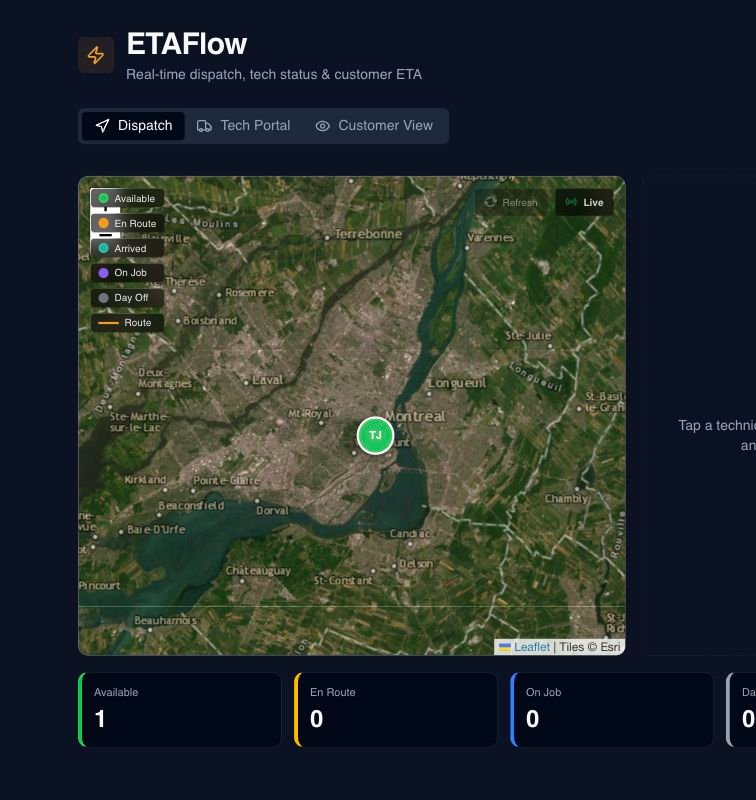
This image comes from the current Serberus application. Interface details may evolve, but the workflow shown here is part of the product surface audited for this site.
Serberus
Serberus does the heavy lifting, brings the exceptions back to you, and keeps the result visible.