Offer real openings
Available slots are calculated from current shifts, existing jobs, blocked time and daily capacity.
Build a day your team can deliver
Secure booking links use shifts, existing jobs, daily capacity, duration and travel buffers to surface practical options while your policies stay in control.
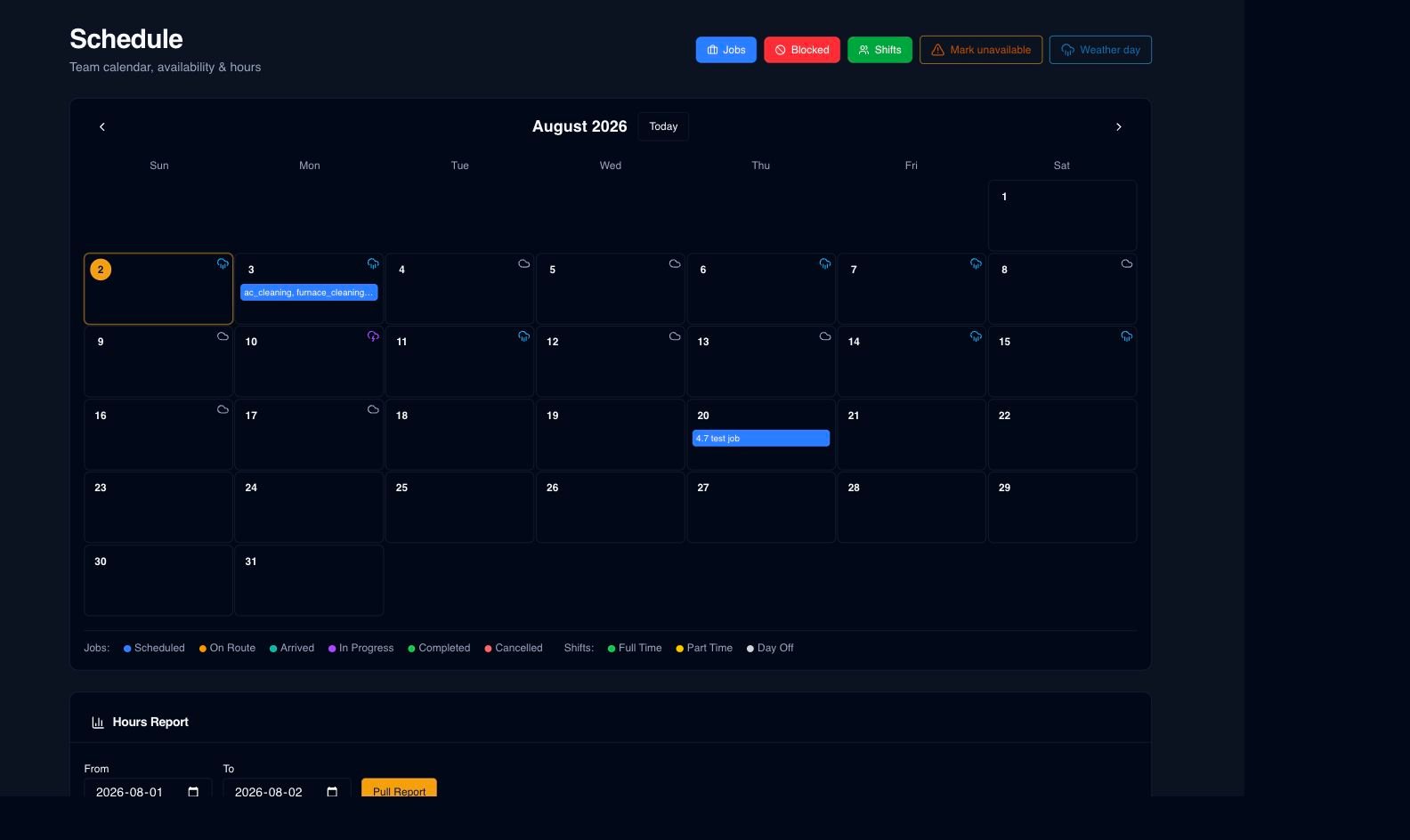
What is already in the product
Available slots are calculated from current shifts, existing jobs, blocked time and daily capacity.
Service duration and configured travel buffers keep the calendar grounded in the workday.
Set how far ahead customers can book and which days should remain unavailable.
Zone-aware recommendations help you evaluate openings near work already on the schedule.
Optional auto-assignment follows the eligibility and availability rules your organization configures.
Recurring work and weather-aware suggestions help the office prepare schedule changes for review.
How the handoff works
Every major workflow answers the same five questions: what starts it, which rules apply, what Serberus completes, when it asks, and where the result remains visible.
A customer opens a secure booking link or your office schedules work.
You set shifts, service duration, buffers, capacity, booking windows, blocked days and assignment policy.
Serberus calculates capacity-aware options and records the selected appointment.
It asks when no suitable option fits, assignment is ambiguous or a proposed date change needs approval.
See the result on the schedule, booking record, job and configured notifications.

From office to field
The same request, schedule, customer details, photos, notes, status, and next action stay available as work moves from the office to the site.
Real product screen
This image comes from the current Serberus application. Interface details may evolve, but the workflow shown here is part of the product surface audited for this site.
Serberus
Serberus does the heavy lifting, brings the exceptions back to you, and keeps the result visible.