Keep business texting organized
Two-way SMS conversations use the organization's own configured messaging credentials.
Keep the conversation with the work
Serberus supports two-way SMS through each organization's configured Twilio account and two-way email through Resend. Both channels land in one shared customer thread with unread state, attachments and communication preferences.
What is already in the product
Two-way SMS conversations use the organization's own configured messaging credentials.
Operational email can carry quote, invoice and booking notices, then thread a customer's verified reply back into the shared inbox.
Threads and unread indicators help authorized team members see what has already been discussed.
Attachments can remain connected to the relevant conversation instead of a personal inbox.
AI-assisted rewrite and English-French translation help prepare professional text while leaving the final send visible to the user.
SMS STOP and START handling plus email preferences support customer consent decisions.
How the handoff works
Every major workflow answers the same five questions: what starts it, which rules apply, what Serberus completes, when it asks, and where the result remains visible.
A workflow reaches a configured customer update, or an authorized user starts or answers a text or email thread.
You set sender credentials, templates, language, timing, recipients and preference rules.
Serberus prepares the appropriate message and keeps supported SMS and verified email replies in the same shared customer thread.
It asks when a person must review custom wording, resolve an exception or answer the customer directly.
See supported conversations, unread state, attachments and related job or customer context in Serberus.

From office to field
The same request, schedule, customer details, photos, notes, status, and next action stay available as work moves from the office to the site.
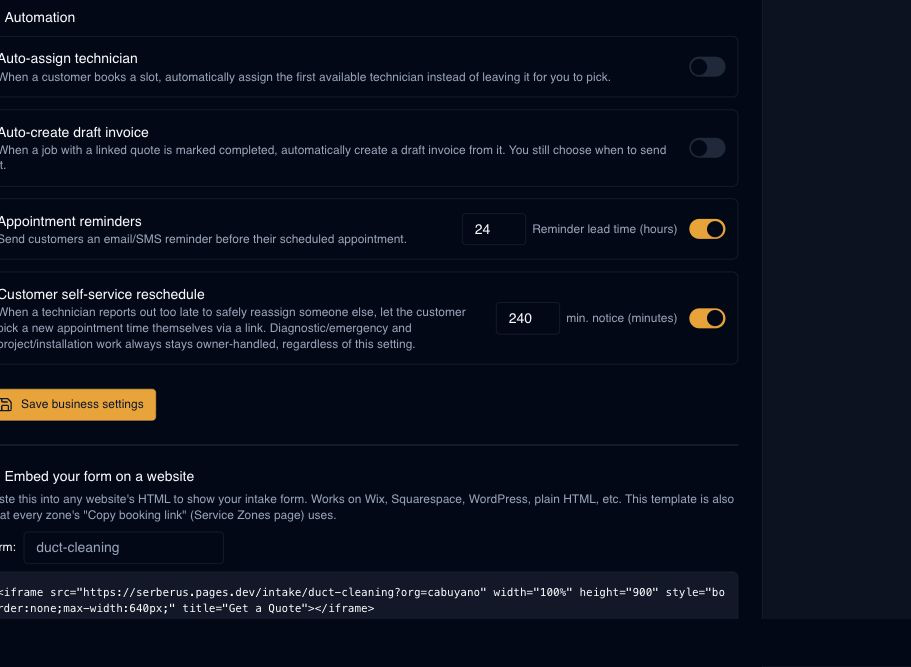
Real product screen
This image comes from the current Serberus application. Interface details may evolve, but the workflow shown here is part of the product surface audited for this site.
Serberus
Serberus does the heavy lifting, brings the exceptions back to you, and keeps the result visible.