Classify the cost
Choose from common field-service categories or record the item in the appropriate other category.
Keep costs attached to the work
Serberus organizes common expense categories, vendor and billable details, receipt images and links to customers, technicians and jobs so cost reporting has a traceable source.
What is already in the product
Choose from common field-service categories or record the item in the appropriate other category.
Store vendor context with the expense so the office can understand where the charge came from.
Identify expenses that may need to be considered in customer billing or job review.
Link the record to the relevant customer, technician and job instead of leaving it as an isolated total.
A receipt image can stay with the expense for later review.
Use the expense list and summary filters, or add and review a cost directly from its job context.
How the handoff works
Every major workflow answers the same five questions: what starts it, which rules apply, what Serberus completes, when it asks, and where the result remains visible.
A team member records a purchase or cost from the expense area or a job.
You require the appropriate category, permissions and supporting job, vendor or receipt detail.
Serberus saves the cost and makes it available to supported summaries and job costing.
It asks a person to resolve missing context, decide billability or correct a questionable record.
See the entry in expense filters, summaries, the linked job and costing views.

From office to field
The same request, schedule, customer details, photos, notes, status, and next action stay available as work moves from the office to the site.
Real product screen
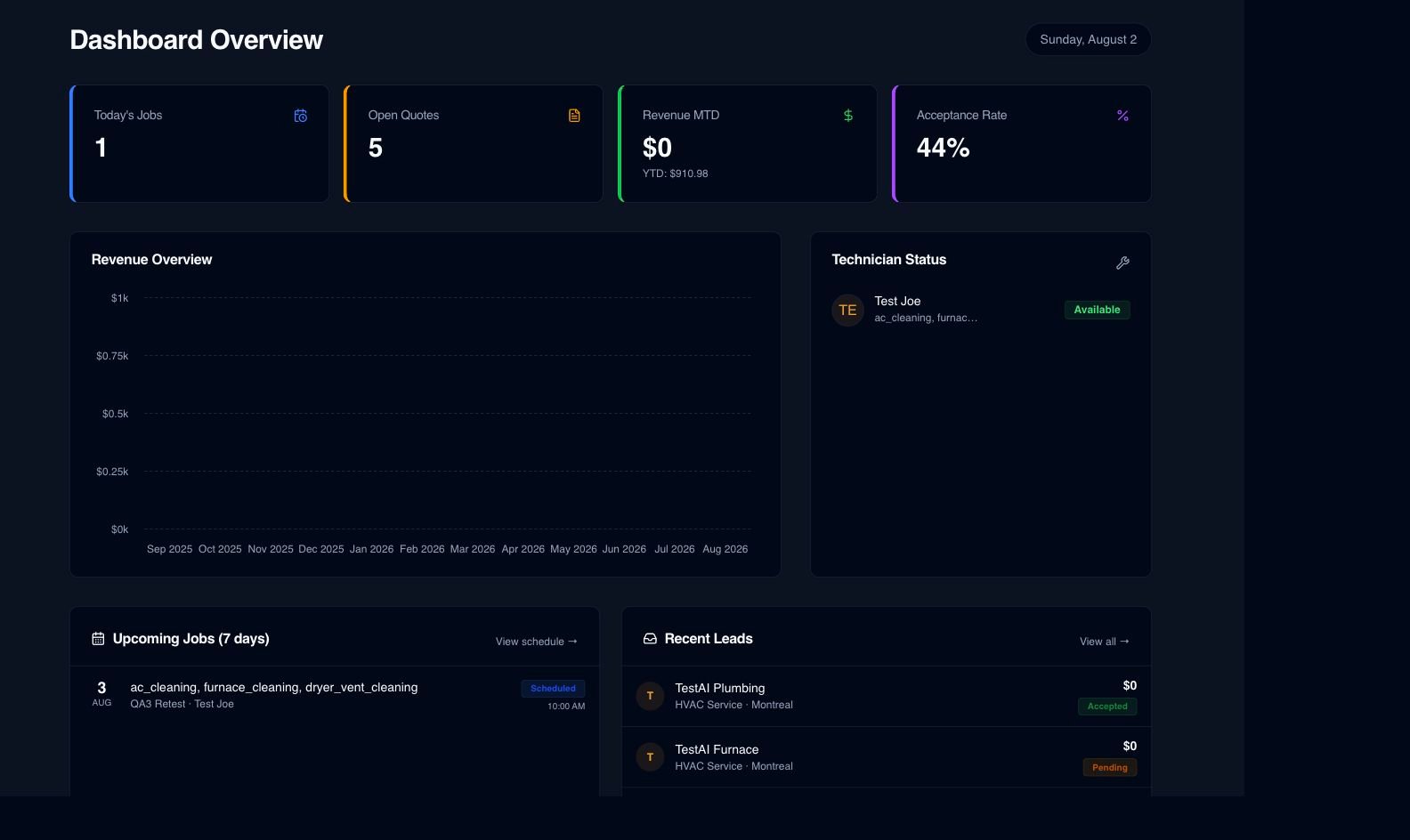
This image comes from the current Serberus application. Interface details may evolve, but the workflow shown here is part of the product surface audited for this site.
Serberus
Serberus does the heavy lifting, brings the exceptions back to you, and keeps the result visible.